
Built around the car
The data was always there.Now you can see it.
Generic scanners ask the diagnostic port for basic PIDs. KDMLink listens where your N is already talking.
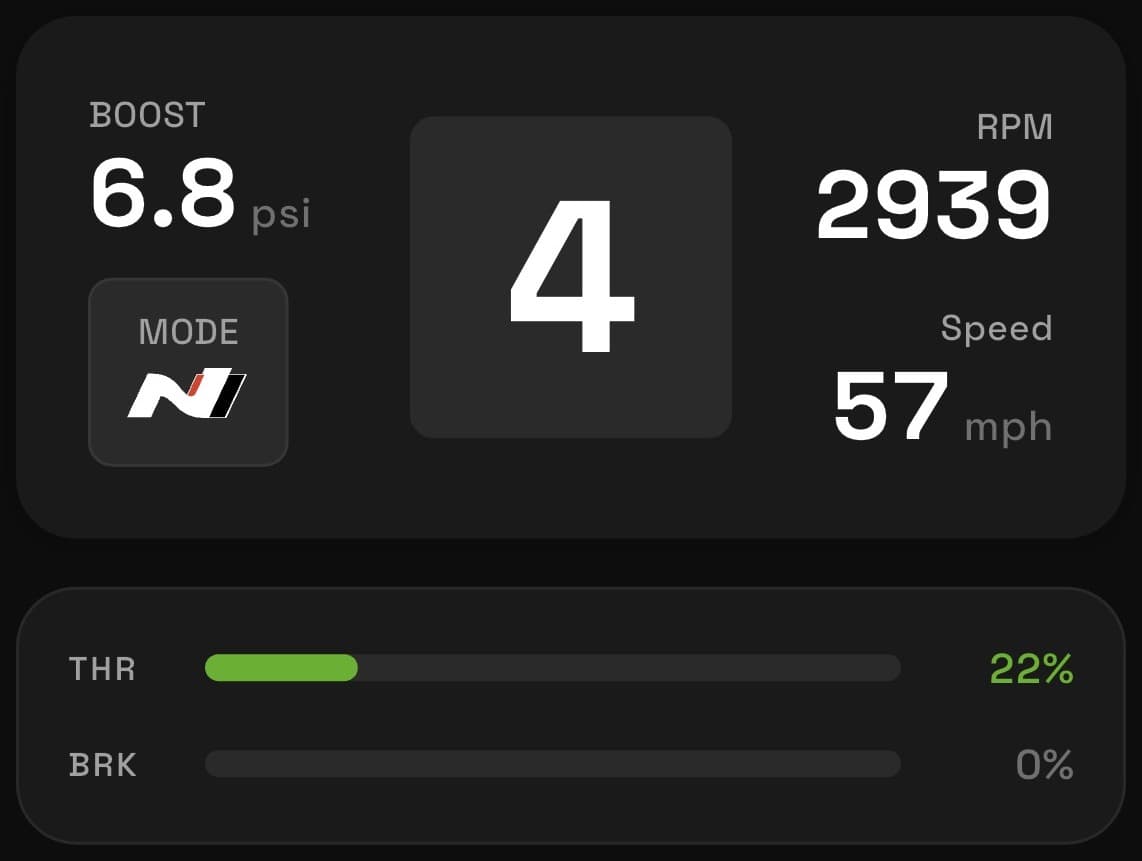
PowertrainLive
Boost, torque, RPM and fluid temps, straight from the C-CAN bus.
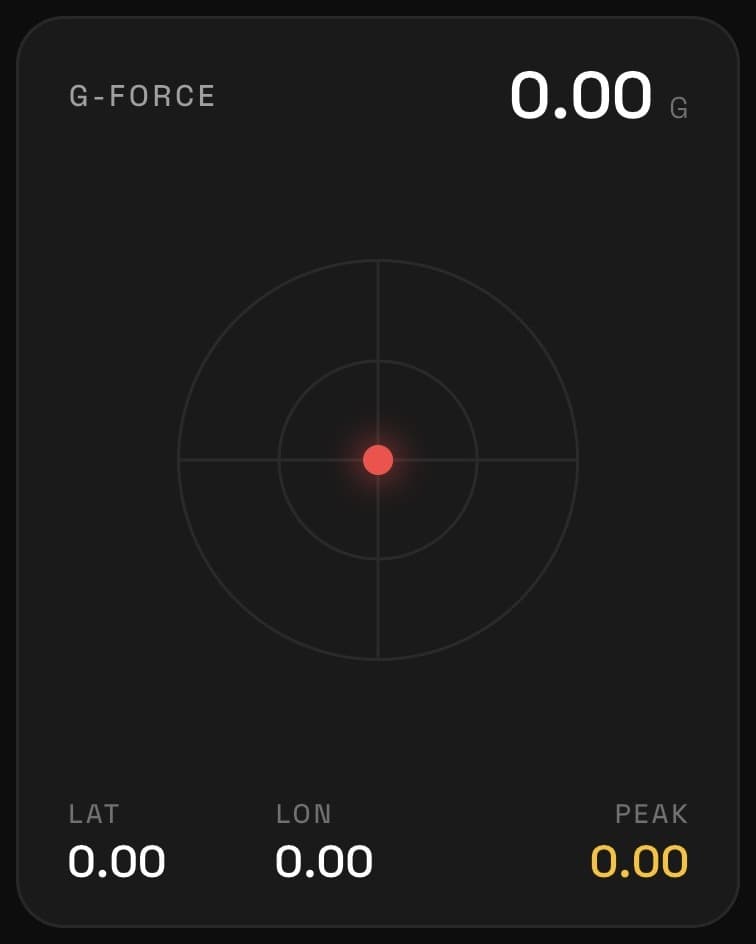
ChassisLive
Steering, braking, lateral G and tire pressures, as you drive.
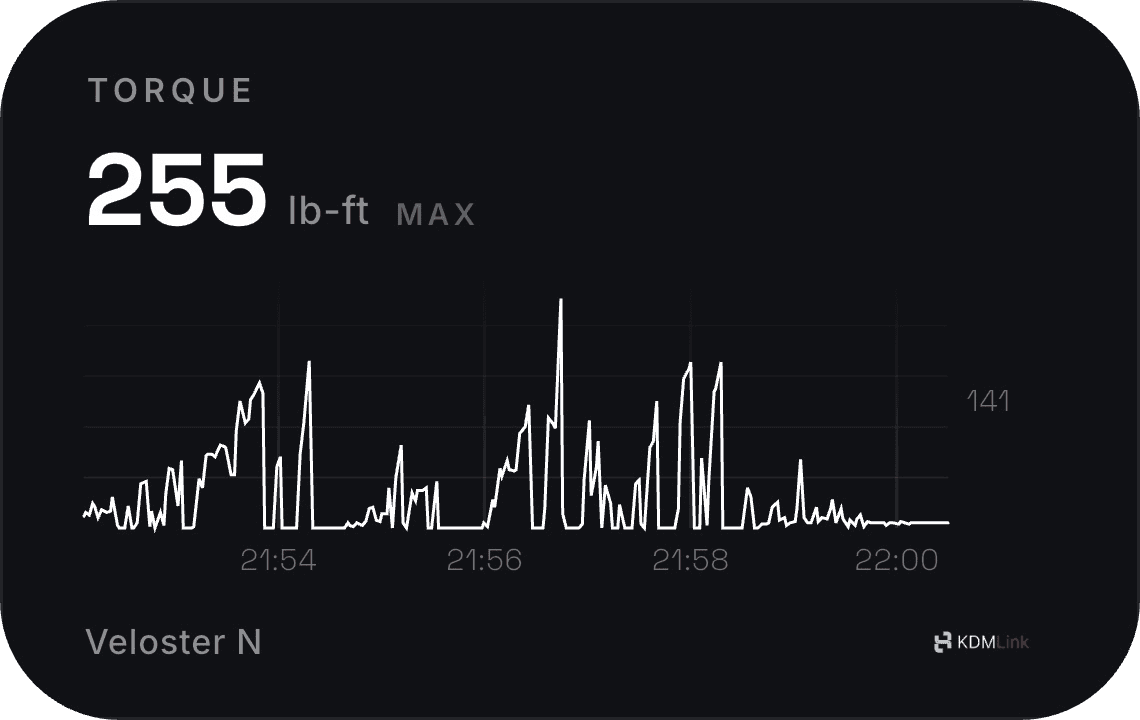
Session graphsPer drive
Every signal plotted across the whole drive. Scrub back to the exact second torque, boost, or temps peaked.
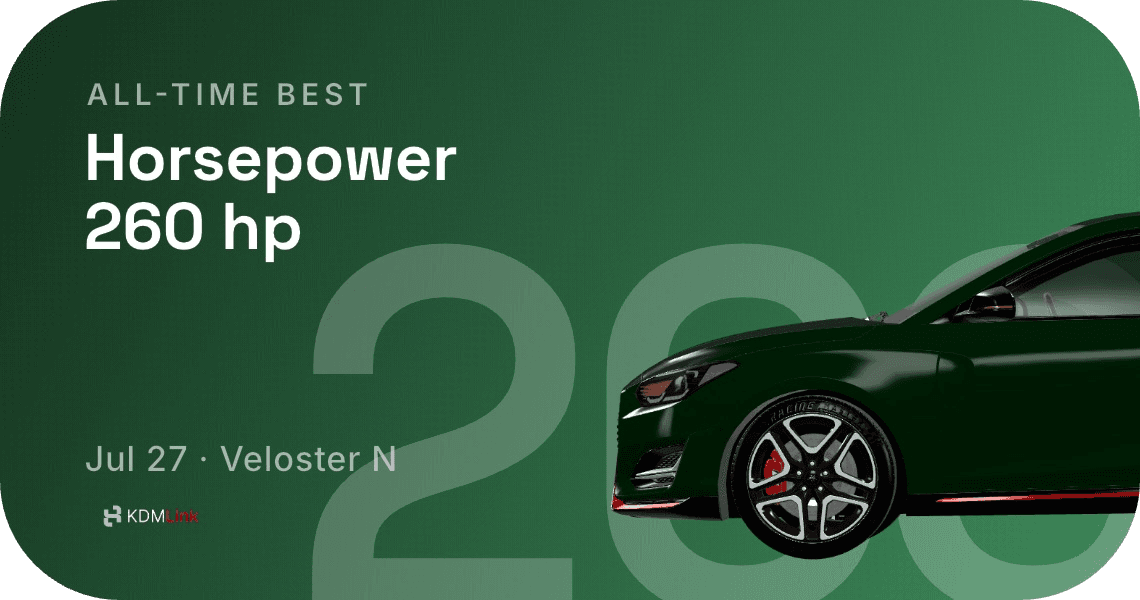
Personal bestNew record
KDMLink remembers your quickest runs and biggest numbers, then turns each new best into a card worth sharing.
Install once
Plug. Pair. Drive.
A plug-and-play T-harness disappears behind the dash. No wire cutting, no coding, and no permanent modification.
T-harness2 min
KDMLinkBLE 5
Your phoneLive
The difference is the bus
Not anotherOBD scanner.
The diagnostic port returns basic data when asked. KDMLink taps the C-CAN network directly and listens to the messages your N broadcasts continuously.
Your N’s data,in your lap timer.
KDMLink streams decoded C-CAN channels over Bluetooth LE straight into your lap timer. No extra adapter, no OBD polling.
LapSmith
Track-day telemetry with predictive lap timing, corner-by-corner coaching and synced video.
lapsmith.app KDMLink
Built withopen source.
KDMLink runs on open-source firmware and app frameworks, and publishes its vehicle decoding configs openly — so any app can speak N.
Read the docsBuilding a track app? Talk to us about integrating KDMLink.
Before you plug in
Questions,answered.
Still deciding whether KDMLink fits your N? Email us at support@kdmlink.com.
KDMLink is built for the Hyundai Veloster N, Elantra N, and Kona N in manual and DCT configurations. The Veloster N is the primary validated development platform, with Elantra N and Kona N support continuing through beta validation. See the full compatibility list.
A plug-and-play T-harness connects at the SAS connector behind the dash and passively listens to the C-CAN bus. There is no wire cutting, splicing, coding, or permanent modification. The module sends data to your phone over Bluetooth Low Energy.
The standard OBD2 pins expose the diagnostic D-CAN bus. Much of the real-time performance data on N cars broadcasts on a separate C-CAN network that does not reach those pins. KDMLink taps that network directly.
There are 84+ decoded signals, including RPM, boost, coolant and oil temperatures, per-wheel speeds, steering angle, lateral and longitudinal G, yaw, gear position, drive mode, N Custom settings, suspension mode, ESC status, battery voltage, and TPMS.
Yes. KDMLink implements RaceChrono’s DIY BLE protocol and ships with ready-made configuration profiles, so live CAN channels can flow into RaceChrono alongside lap timing and video without manual channel setup.
No. KDMLink is a one-time $129 purchase for the hardware and companion app. There are no recurring fees and no features reserved for a future paid tier.
On your phone. There is no account requirement, login, cloud upload, or server collecting your drives. Recorded telemetry stays local unless you choose to export it.